Unreal Engine
Giving Aura Context
Context is extra information provided to Aura such as files and assets. When Aura has specific files (”Context Objects”) to reference it can construct better answers.
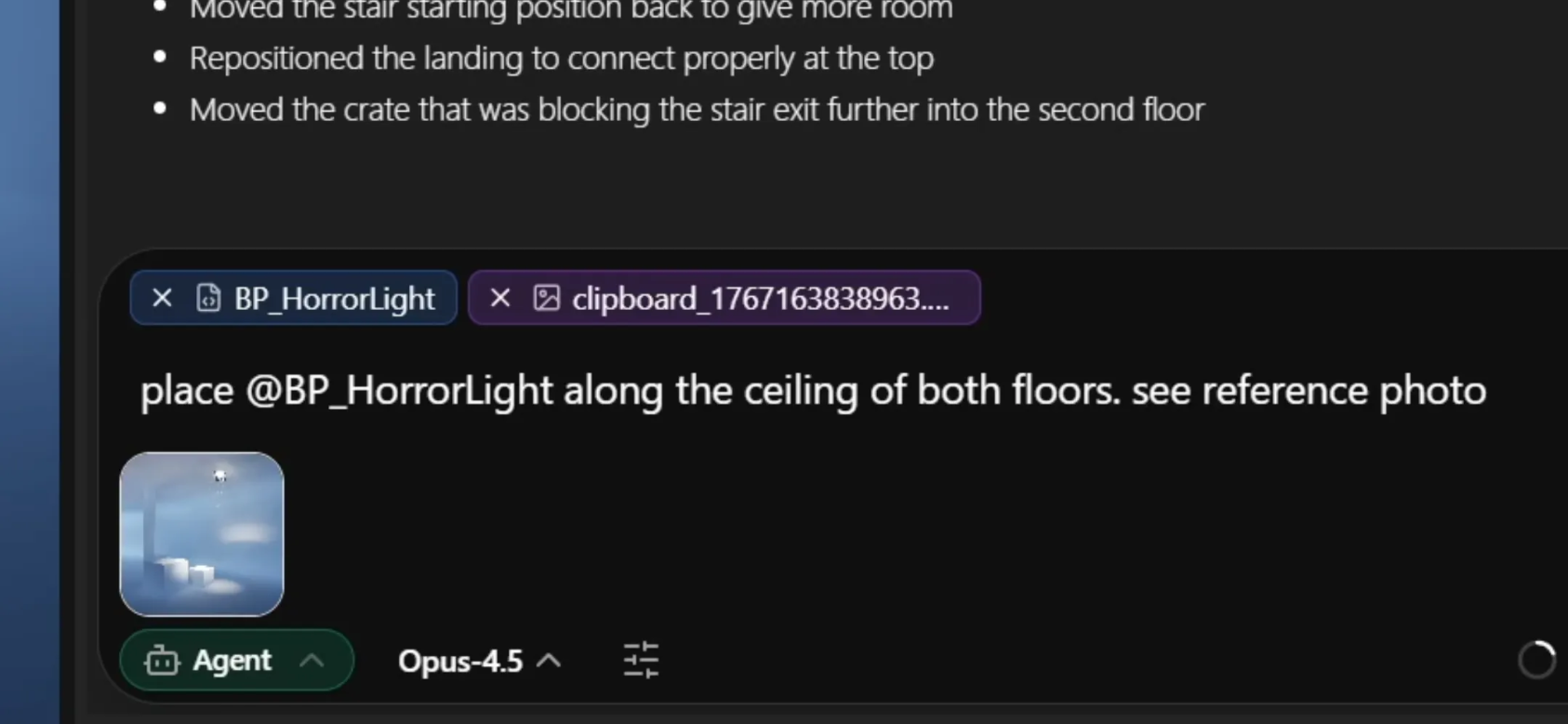
💡 Context Objects are global and detected in all chat threads, so remember to clear them if needed!
How to Give Context
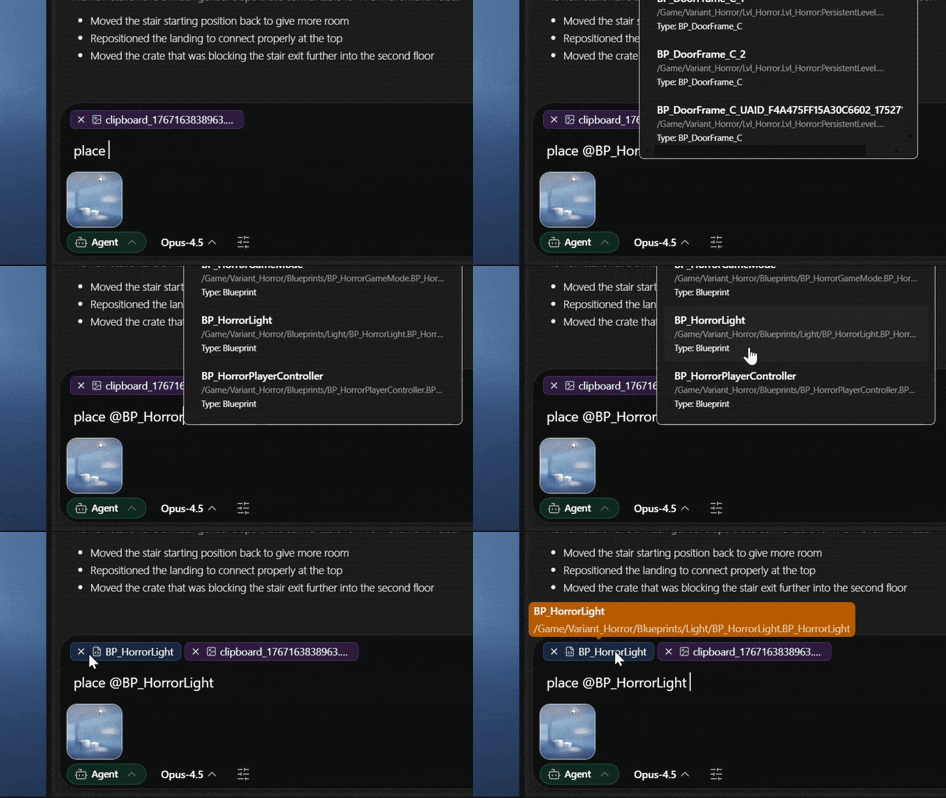
‘@’ Search
Type ‘@’ to bring up the search menu. You can search by clicking the ‘@’ icon too.
Drag & Drop
Drag & drop files from Content Browser directly into Aura.
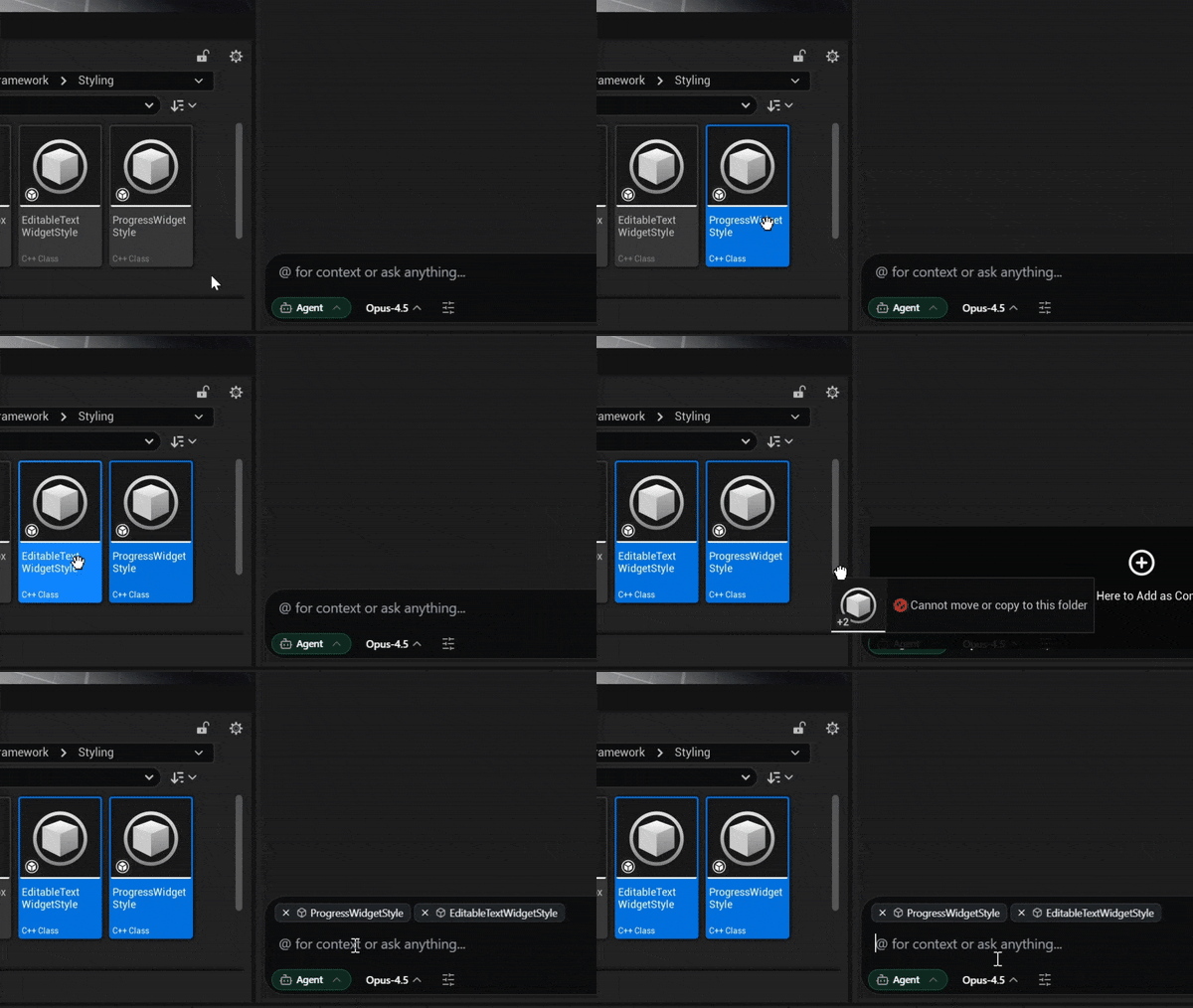
⚠️ Drag & drop only works with the in-editor (docked) version of Aura. You can make the embedded Aura version the default in Editor Preferences > Aura Plugin Settings by unchecking "Open Aura in Electron Window".
Right-Click
Right-click on files in content browser or in level then ask Aura about it from there.
Clicking the "+ Add to Context" button adds selected objects to existing context, while sending a prompt in the right-click menu replaces context with the selected files.
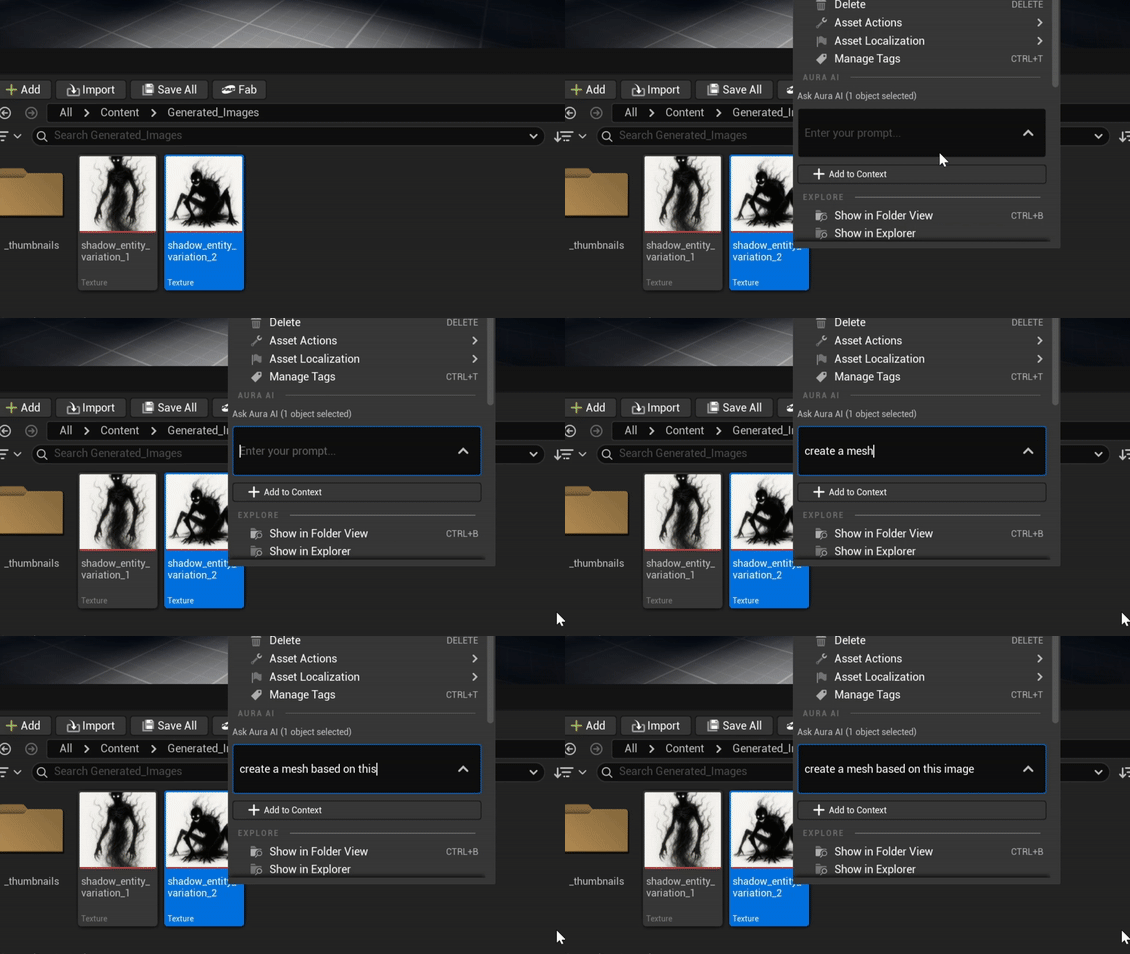
Image Attachments
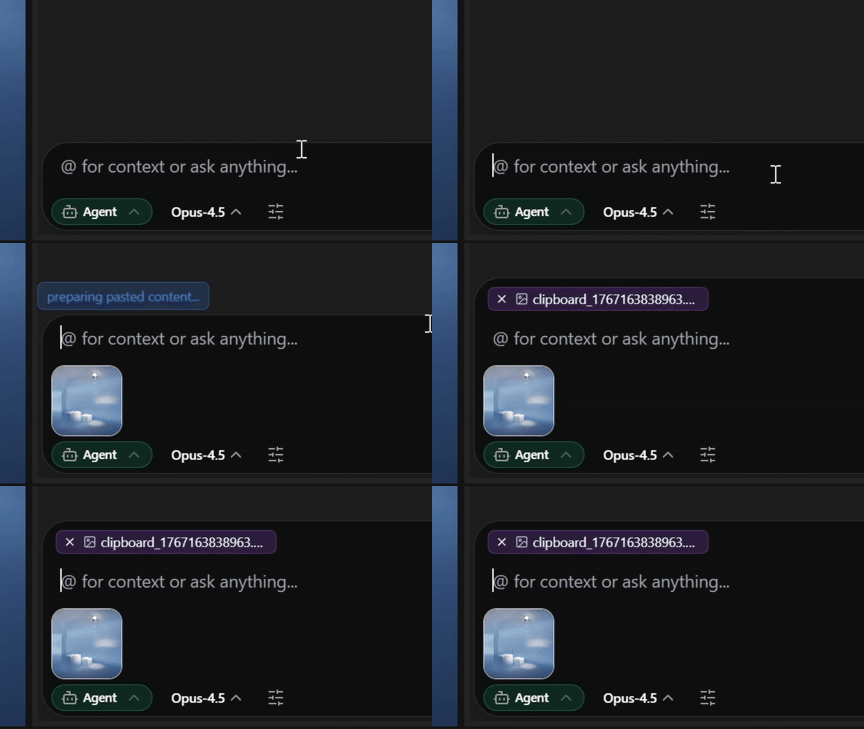
To give Aura an image reference you can:
-
Paste from clipboard
-
Uploading through the Attach Image button at the bottom right of chat.
-
Drag and drop from File Explorer and Content Browser
Supported file types: jpg, png, and bmp.
Document Attachments
Aura can read documents you attach to chat. This makes it easy to bring information from your wiki, GDDs, spreadsheets, slide decks, or external references directly into Aura without copy-pasting.
Supported file types: PDF, DOCX, PPTX, XLSX, HTML, Markdown, and more.
Use cases
-
Drop in a design document so Aura can plan a system around your existing spec.
-
Attach a spreadsheet of weapon stats and ask Aura to generate a corresponding data table.
-
Share a slide deck or PDF brief, then have Aura summarize it into actionable Aura prompts.
-
Attach a webpage saved as HTML to bring research or third-party docs into your project context.
To attach, drag the file into chat from File Explorer, or use the Attach button at the bottom right of chat.
Selected Assets
Aura can also see your currently selected files in both content browser and in level. They aren’t added as Context Objects, but Aura is aware of them.
💡 Remember to unselect assets if you don’t want Aura to focus on them.